
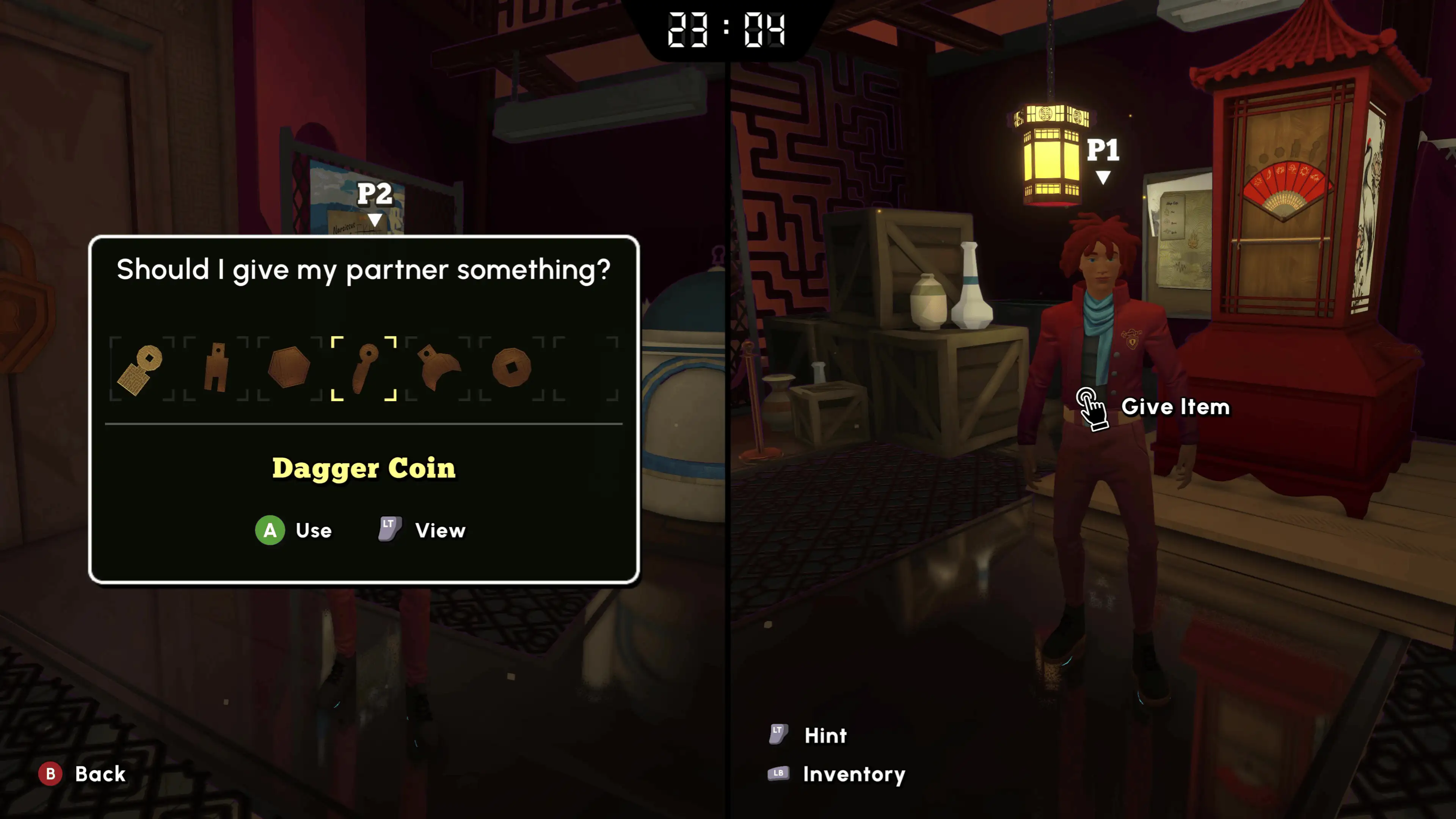
Official screenshot · Coin Crew Games / iam8bit Presents · Illustrative game media.
Start with the Microsoft capability that is listed
The Microsoft product page explicitly includes Xbox cross-platform co-op in its capabilities. That is a positive, source-based statement about the product sold through the Xbox and Microsoft environment. It is more precise than answering every crossplay question with an unqualified yes or no.
Keep the capability attached to the edition where it appears when discussing it with a partner. A statement about the Microsoft product does not automatically establish the networking relationship of a separately sold Steam or PlayStation edition. The supported wording is useful, but it needs its original context to avoid implying connections the sources never demonstrate.
Distinguish crossplay from online co-op
Online co-op describes playing together over a network, while crossplay concerns connection across different platforms or ecosystems. Steam lists online and local co-op, and PlayStation advertises online and couch play. Those mode descriptions establish ways to play without identifying every other version that can connect to them.
This distinction is why a video of two Steam demo players joining successfully does not settle a Steam-to-console question. It demonstrates the online mode within that recorded setting rather than a different storefront pairing. Use the setup guide for the observed host-code workflow, then treat the platform relationship as its own question.
Treat Steam as a distinct storefront edition
The Steam purchase and demo are separate from Microsoft's product listing, even though both concern the same sequel. A computer running a game through Steam is not identified solely by the word PC in another store's compatibility section. The storefront matters when discussing ownership and the environment in which a multiplayer capability is advertised.
Before treating Microsoft's Xbox cross-platform label as proof of Steam compatibility, look for evidence naming that actual pairing. The research provides a Steam host-and-join demonstration but not a successful connection with Xbox or the Microsoft Windows edition. Keep the confirmed mode and the untested cross-store assumption separate when planning a two-player purchase.
Read the PS5 announcement in its own scope
Coin Crew Games' PlayStation Blog announcement confirms couch and online co-op across the campus, story and puzzles. The PlayStation Store independently lists one to two players and optional two-player online play. These establish the PlayStation edition's multiplayer support and player limit without announcing a connection with Xbox or Steam.
The PS5 online-service requirement is also a different matter from crossplay. PS Plus access concerns using the PlayStation online mode, while crossplay would need evidence about another platform connecting to it. Having the required service does not, by itself, turn an ordinary online-co-op listing into a cross-network compatibility matrix.
Keep ownership, saves and connections separate
Xbox Play Anywhere, cross-save, online co-op and crossplay describe different capabilities in the researched material. A label about one should not be used as a substitute for evidence about another. In particular, a purchase entitlement concerns access to a product, while a successful multiplayer connection concerns the players' compatible game environments.
The same applies to progress and saves: being able to join a session does not establish that every edition imports another edition's save. The demo update's removal of end-of-demo save wiping is a specific save-behaviour change, not proof of a universal cross-store transfer system. Read each feature under its own name before using it to plan how two people will play.
Use gameplay recordings for the connection shown
The collected January Steam demo footage shows one person hosting and providing a code to the other. That is practical evidence for the workflow in that recording, which the later co-op material also contextualizes. It does not demonstrate a Microsoft or PlayStation participant merely because the game supports those platforms elsewhere.
Similarly, a review describing both local and online two-player co-op confirms the mode being discussed without testing every ecosystem combination. Identify the edition and devices actually shown before interpreting a demonstration as a crossplay test. This avoids treating a general multiplayer review as evidence for a specific connection it never attempts.
Make a purchase decision around the actual pair
Write down each player's intended platform and storefront before checking compatibility. A question about Microsoft PC with Xbox is not identical to Steam with Xbox, and neither is identical to PS5 with Steam. Keeping those names explicit makes it easier to find a statement that actually addresses your intended setup.
Use the official product capability and any explicit developer confirmation for that pair rather than a broad online-play badge. When a source only establishes the mode, keep the purchase decision separate from the unsupported pairing claim. The related platform articles provide the correct official product links so you can inspect the version each person intends to use.
Read a capability in the edition where it appears
When comparing store pages, note the exact product and the wording of the multiplayer capability beside it. Microsoft's Xbox cross-platform co-op label is the supported statement for that listed product, while Steam and PlayStation supply their own mode information. Keeping the wording attached to its edition prevents a general summary from silently adding another storefront to a feature it never names.
Use the same method for a future developer reply or demonstration: identify the two endpoints actually being discussed or shown. A PC label alone is not enough to distinguish the Steam environment from Microsoft's PC product. This is a way to evaluate a compatibility claim precisely, rather than a statement that any untested combination is either guaranteed to work or permanently unsupported.
Separate the buying question from the joining question
Before purchase, the important question is whether the intended editions can connect in the way both players expect. Once compatible access is established, the practical question becomes which person hosts and how the other joins. A demonstration of that second process should not be used to skip the first decision when the players intend to use different storefronts or consoles.
The distinction also applies to subscription access and saved progress, which concern different parts of the experience. A plan including a game does not establish its network pairing, and removal of demo save wiping does not prove a cross-store import. Treat those as separate questions and use the relevant official product or dedicated guide for each one instead of merging them into an unrestricted crossplay claim.
Choose the appropriate multiplayer guide next
If both players already have a compatible environment and need joining steps, use How to Play Co-op for the demonstrated online and local workflows. If you only need the session size, the player-count page gives the verified solo-or-two-player answer. If you need the Microsoft PC listing or PS5's online requirement, use those platform-specific pages.
The responsible crossplay answer stays narrower than the game's broad platform availability: Microsoft's Xbox cross-platform co-op label is listed, while a complete Steam, PS5 and Xbox pairing table is not established by this research. That is a distinction between evidence and inference, not a claim that an untested pair is definitely unsupported. Keep the advertised capability in scope and verify the exact connection you plan to use.
Sources & research context
Based on the keyword research checked November 4, 2026. Demo observations and development-preview figures are labelled in the text; store and release statements retain that research date.