
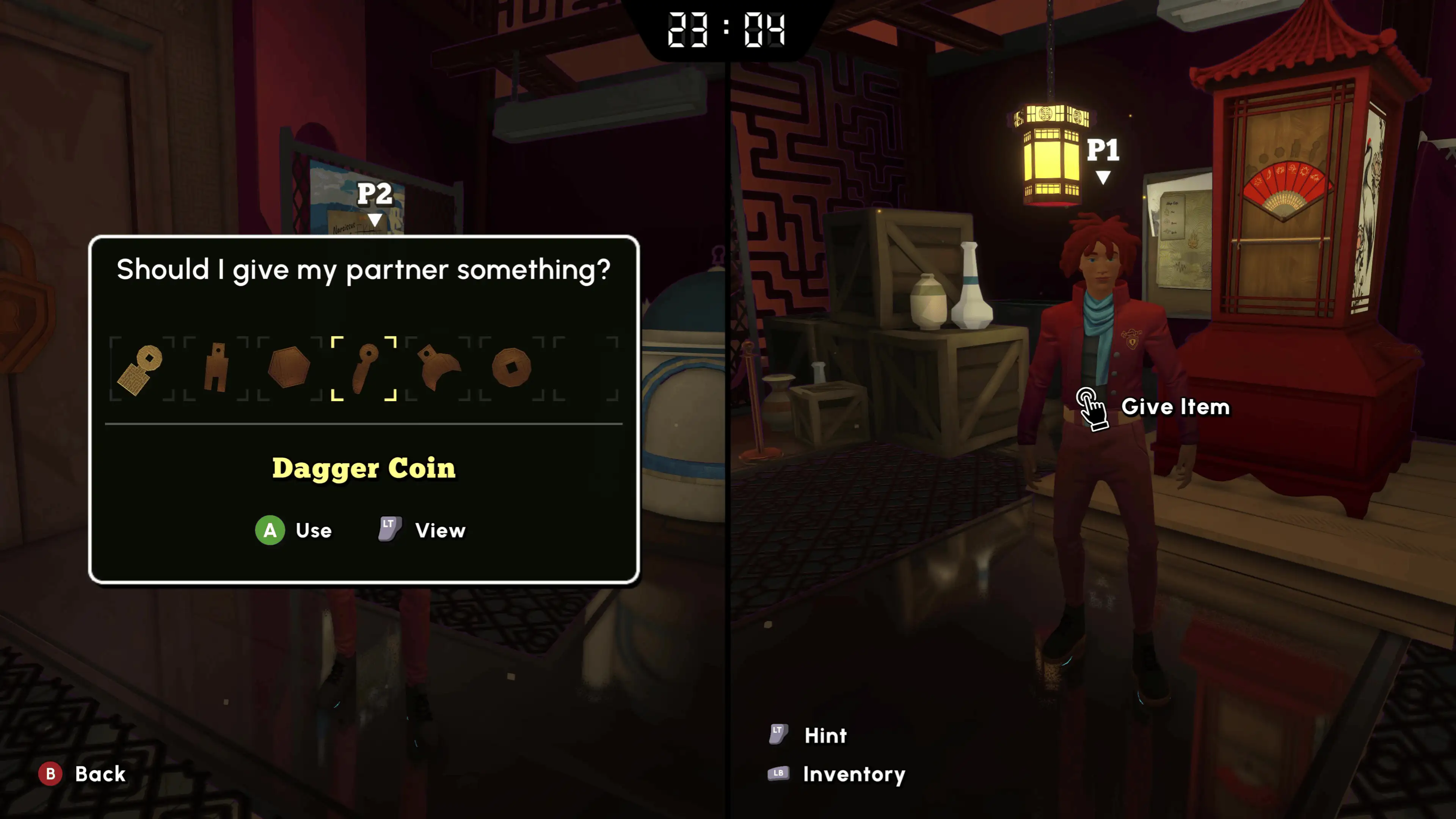
Official screenshot · Coin Crew Games / iam8bit Presents · Illustrative game media.
Start by choosing the connection method
Online co-op and local split-screen are separate supported modes, each designed for two players. Choose online when your partner is connecting remotely, or local when you are playing together on the same setup. The player-count guide confirms that the game also supports solo, so bringing a partner is a choice rather than a condition for accessing the story.
The setup evidence here comes from documented demo sessions alongside official support for the modes themselves. That distinction matters when a menu label changes between a January demonstration and a later build. Follow the demonstrated sequence at the level of hosting, joining and starting, while using the actual controls shown by your installed version.
Have one player host the online demo
The recorded online Steam demo sessions show one person creating the hosted game before the partner connects. This establishes the starting role in the demonstrated workflow rather than requiring both players to create separate sessions. Decide who is hosting first so both people are trying to join the same game.
The January co-op recording shows that exchange around 00:40–00:50, and the June recording provides another host-and-code example near its opening. Their agreement supports explaining the basic process without inventing a final release menu path. A host creating a session is the documented step; the wording and position of the button should come from your screen.
Use the local second-player prompt
The local Steam demo video shows the presenters inviting a second player to press an on-screen button and start. For that connection method, prepare the inputs you intend to use and follow the prompt displayed by the game. The observed sequence is local joining, rather than entering the online host's session code on the same screen.
Keep the demonstrated local workflow distinct from a promise that every device accepts every input combination. The collected research does not validate a universal mixed keyboard-and-controller arrangement or identical controls across all platforms. Read the version-specific prompt, and use the platform's own current information if the question is about an input device rather than the existence of local co-op.
Enter escape rooms together
The developer's Multiplayer Systems post explains that both players enter an escape room together. Campus exploration is more flexible, which distinguishes movement around the hub from starting a formal escape. This gives the supported co-op mode a shared puzzle-room structure without requiring an assumption that every campus action behaves identically.
When preparing to begin the next exam, coordinate with your partner rather than assuming a separate exploration position means you are already in different games. The documented distinction concerns how a room begins compared with exploring the campus. It does not establish an unrestricted drop-in system or settle every host-and-guest progression rule.
Check console online-service requirements
The PlayStation product listing requires PS Plus for online play and identifies a maximum of two online players. Microsoft provides its own console online-service notice on the Xbox product page. Those notices apply to the relevant platform service and should be read separately from the gameplay steps demonstrated on the Steam demo.
Game Pass library inclusion is another separate question: the November announcement names Ultimate and PC Game Pass for the game's launch entry. A plan providing online-multiplayer access does not by itself establish that the plan includes this title. Use the Game Pass article if the obstacle is access to the game rather than how to join a session you can already launch.
Do not confuse online play with universal crossplay
A supported online mode tells you that two players can connect within the advertised environment, not that every store and console combination is tested. The Microsoft listing specifically advertises Xbox cross-platform co-op, while the collected sources do not provide a complete pairing matrix. Keep that capability within the edition and service context in which it is listed.
Before buying on different storefronts, check the precise compatibility question rather than relying on the host-code example alone. A Steam demo recording does not demonstrate Steam with PS5, Xbox or the Microsoft PC edition. The related crossplay page explains the distinctions between online co-op, cross-network connection and ownership without inventing supported pairings.
Keep the join code distinct from puzzle and reward codes
The session code in the recorded Steam workflow is used by the intended partner to join the host's game. It is not a public redeem code, a classroom telephone input or a station destination answer. Keeping those uses separate matters in an escape-room game, where several different kinds of numerical or symbolic clues may be discussed in the same video.
Share only the code produced for the hosted session you want the other player to join. A code spoken in a published playthrough belongs to that recorded session and should not be treated as a reusable way into your own game. The useful evidence in the footage is the sequence of hosting and joining, rather than the old code itself.
Match setup evidence to the platform you use
The recorded local example identifies itself as a PC Steam demo, while the online examples also demonstrate a particular demo environment. Console product pages independently confirm two-player support, but they do not make every PC interface detail a console instruction. Use the demonstration to understand the role of the prompt or host, and the actual screen for the control available on your version.
This method also separates connecting successfully from questions the demonstration does not test. A working session does not by itself establish all guest-save behaviour, every device pairing or universal cross-store ownership. Keep those claims out of the setup process unless the relevant platform or developer information addresses them directly, rather than replacing a missing detail with an assumption from the first game.
Troubleshoot by identifying the actual question
If you are unsure which person should create the session, return to the demonstrated host-first process and share that session's code. If you are playing locally, look for the on-screen second-player prompt instead of the online workflow. If you can launch the game but are unsure about a console service, consult that platform's product listing.
Keep save sharing, drop-in behaviour and exact release-build menu names separate from those supported setup steps. The research does not establish those details, so they should not be substituted with rules from the first Escape Academy. Use the relevant player-count, crossplay or demo page to resolve the next specific issue while keeping the demonstrated two-player workflow clear.
Sources & research context
Based on the keyword research checked November 4, 2026. Demo observations and development-preview figures are labelled in the text; store and release statements retain that research date.