
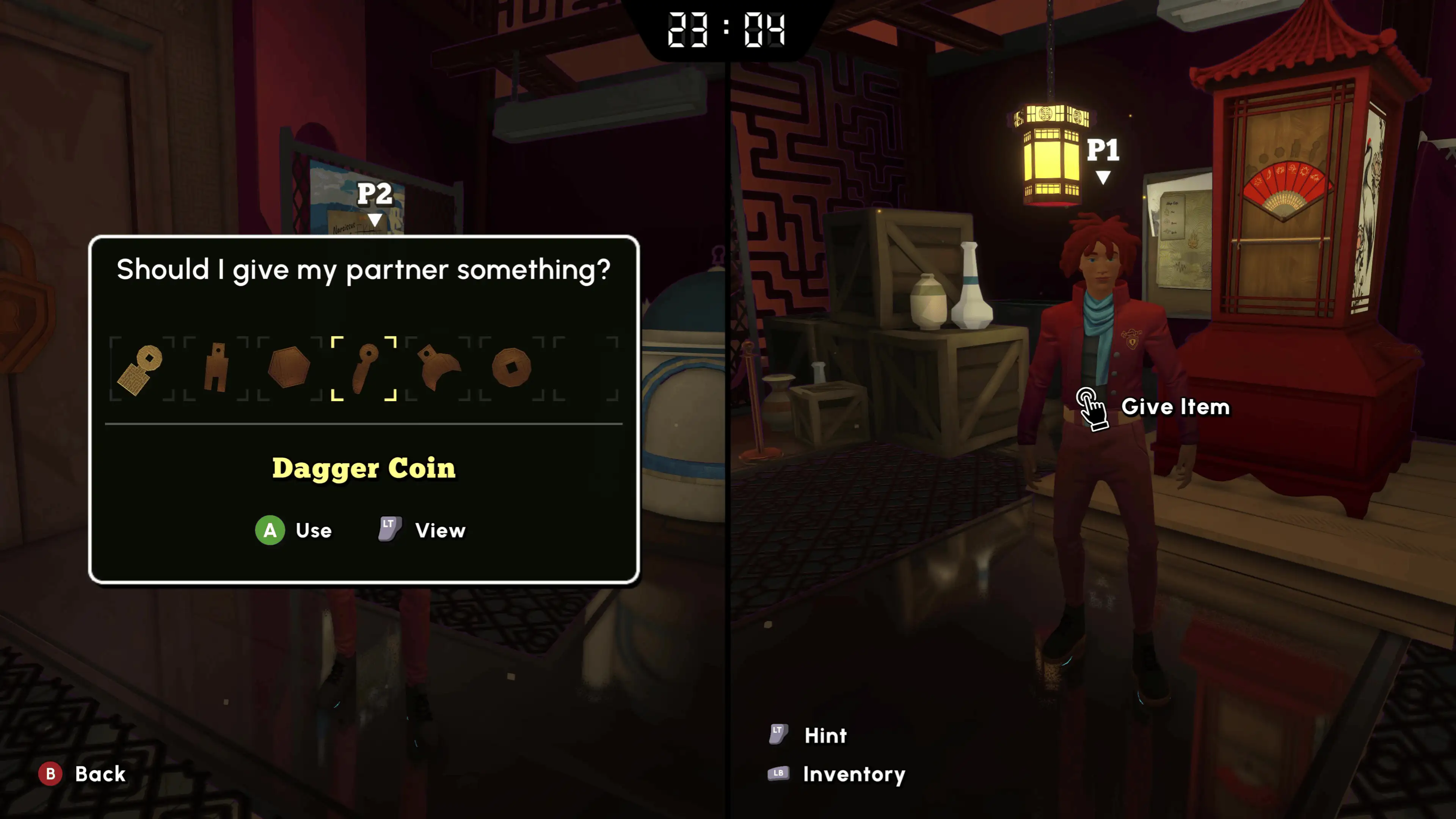
Official screenshot · Coin Crew Games / iam8bit Presents · Illustrative game media.
The quick answer is one or two players
The developer's direct answer to a player-count question is one or two players, with couch and online co-op available. That is the clearest response if you are deciding how many friends to invite. It separates the number of people in the playable session from the many students and other characters present around the Academy.
The Microsoft listing reinforces the answer by describing local and online co-op as two-player modes. PlayStation independently lists one to two players and a maximum of two online players. Those sources agree on the limit without requiring an inference from a trailer, a split-screen image or the number of presenters in a video.
Play alone when you want a solo session
Single-player is a supported way to play, and choosing co-op is optional rather than a prerequisite for accessing the story. You do not need to assemble a second player simply because the game emphasizes escaping together. The official player range begins at one, which is the relevant detail for anyone planning a solo playthrough.
Keep that feature separate from assumptions about how difficulty or puzzle layout changes between modes. The player-count research establishes that solo exists, but it does not provide a tested comparison of every room's behaviour. You can use the same game's named-room guides while reading the actual clues in your own session rather than assuming a recording requires a partner to reproduce.
Choose online co-op for a remote partner
Online co-op also supports two players, allowing you and one partner to take part in the escape-room adventure together. The recorded Steam demo session corroborates practical two-person online play, with a host and join-code exchange. It illustrates the connection process rather than changing the limit advertised in the official sources.
Use the co-op setup page when you need the observed hosting steps, and use the platform page when the question concerns online-service access. A session's two-player capacity does not tell you whether a particular console subscription includes the game itself. Those access requirements and game-library entitlements are separate details from the number of people the game supports.
Keep player count separate from crossplay
Two people being able to play online does not establish that every PC and console version can connect to every other version. The Steam, Microsoft and PlayStation listings describe their supported modes, while cross-network compatibility is a separate capability. A generic online-co-op label is therefore insufficient evidence for a specific Steam-to-console pairing.
Microsoft advertises Xbox cross-platform co-op for its Xbox and PC product, which is addressed in the dedicated crossplay article. That statement should be kept within the scope of the advertised Microsoft edition. Plan the size of your group using the confirmed two-player limit, then check the connection question independently before buying across different storefronts.
Read a demonstration for what it shows
The January Steam demo recording has two presenters introducing themselves and arranging a hosted session. The November co-op review also describes local and online two-player play. Those examples match the official limit and give context for what a two-person session looks like in practice.
They do not automatically prove host-and-guest progression sharing, every save rule or the availability of a larger mode. Those are distinct questions that require their own evidence rather than assumptions from a successful connection. Use the demonstration for the mode actually shown, and let the developer's explicit count answer establish the number of supported players.
Plan the session around a pair
If you are arranging an evening with friends, the useful decision is whether you want a solo session or a pair solving together. For a pair, decide between local split-screen and online play before following the setup steps. A larger social group can discuss puzzles outside the game, but that does not turn the supported playable session into a four-player mode.
Keep each person's device and storefront beside the chosen connection method when making that plan. This makes it easier to separate a player-count question from a platform or subscription question. Use the platform-specific articles for the latter details, while keeping the actual in-game capacity fixed at the documented one-to-two-player range.
Read local and online limits side by side
Both supported cooperative connection methods have the same two-player scope, so changing from local to online does not supply extra places for additional friends. The Microsoft listing states two for each mode, and the PlayStation listing's online limit agrees. Use those explicit counts rather than inferring capacity from the size of the campus or a promotional shot containing several characters.
This also keeps the solo option in perspective: a single person is within the supported range, not an incomplete group waiting for another player. Choose the connection method for where the intended partner is playing, while leaving the numerical limit unchanged. Other questions about devices, accounts or progress still need their own information because they are not answered by the count label.
Keep a short session plan before inviting a partner
Note whether you intend to play alone, share a local setup or host an online session for a remote partner. For a pair, record each person's platform and storefront alongside that connection choice. This gives you the information needed to choose the next guide without assuming that every two-player game automatically connects across all products sold under the same title.
For local play, the remaining practical question is the prompt and input setup displayed by your version. For online play, the remaining questions include the demonstrated join workflow and the applicable platform service. Separating those decisions from the already-confirmed one-or-two-player range makes it easier to identify what is actually preventing the planned session from starting.
Choose the guide that answers the next question
For joining instructions, continue with How to Play Co-op, which separates the observed online host-code process from the local second-player prompt. For different devices or storefronts, continue with Crossplay and its limited Microsoft capability statement. For a way to try the opening chapter, the Steam demo guide explains the verified download and available modes.
The direct answer remains simple even though the surrounding purchase and connection questions can be more detailed. You can play alone, or two people can play locally or online. Start from that supported range and use the related article for the next specific decision, rather than treating the player-count label as a promise about every other multiplayer feature.
Sources & research context
Based on the keyword research checked November 4, 2026. Demo observations and development-preview figures are labelled in the text; store and release statements retain that research date.